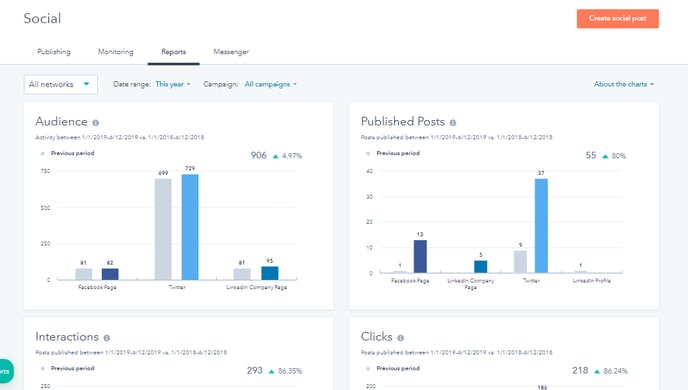
Review the performance of your social media posts by visiting Marketing > Social > Reports in the new reporting view.
There you can adjust the date range, social media networks, date range, campaigns.
View the number of followers, posts, interactions, clicks, shares, impressions, sessions, and new contacts. You can compare the current time period you choose to the previous period in chart format.
You can also view and filter top posts by the number of interactions, impressions, shares, and clicks.